
Best Productivity Tools to Maximize Your Time and Efficiency
In today’s fast-paced world, being productive is crucial for personal and professional success. Whether you’re a freelancer, an entrepreneur, or part of a corporate team, having the right productivity tools can make all the difference. In this article, we’ll explore the best productivity tools that can help streamline your workflow, save you time, and keep you focused on what’s important.
Why Productivity Tools Matter
When it comes to productivity, efficiency is key. Productivity tools are designed to help you manage tasks, collaborate with others, organize information, and track progress—all in one place. With the right tools, you can optimize your time, reduce stress, and achieve your goals faster.
Here’s why productivity tools are essential:
-
Task Management: Keep track of your to-do lists, deadlines, and progress.
-
Collaboration: Work seamlessly with teams, share documents, and communicate more effectively.
-
Focus and Time Management: Eliminate distractions and manage your time efficiently.
-
Automation: Automate repetitive tasks to save time and energy.
By integrating these tools into your daily routine, you can take control of your workflow and see immediate improvements.
Best Productivity Tools for Task Management
Effective task management is the foundation of productivity. Here are some top-rated tools that will help you stay organized:
1. Trello
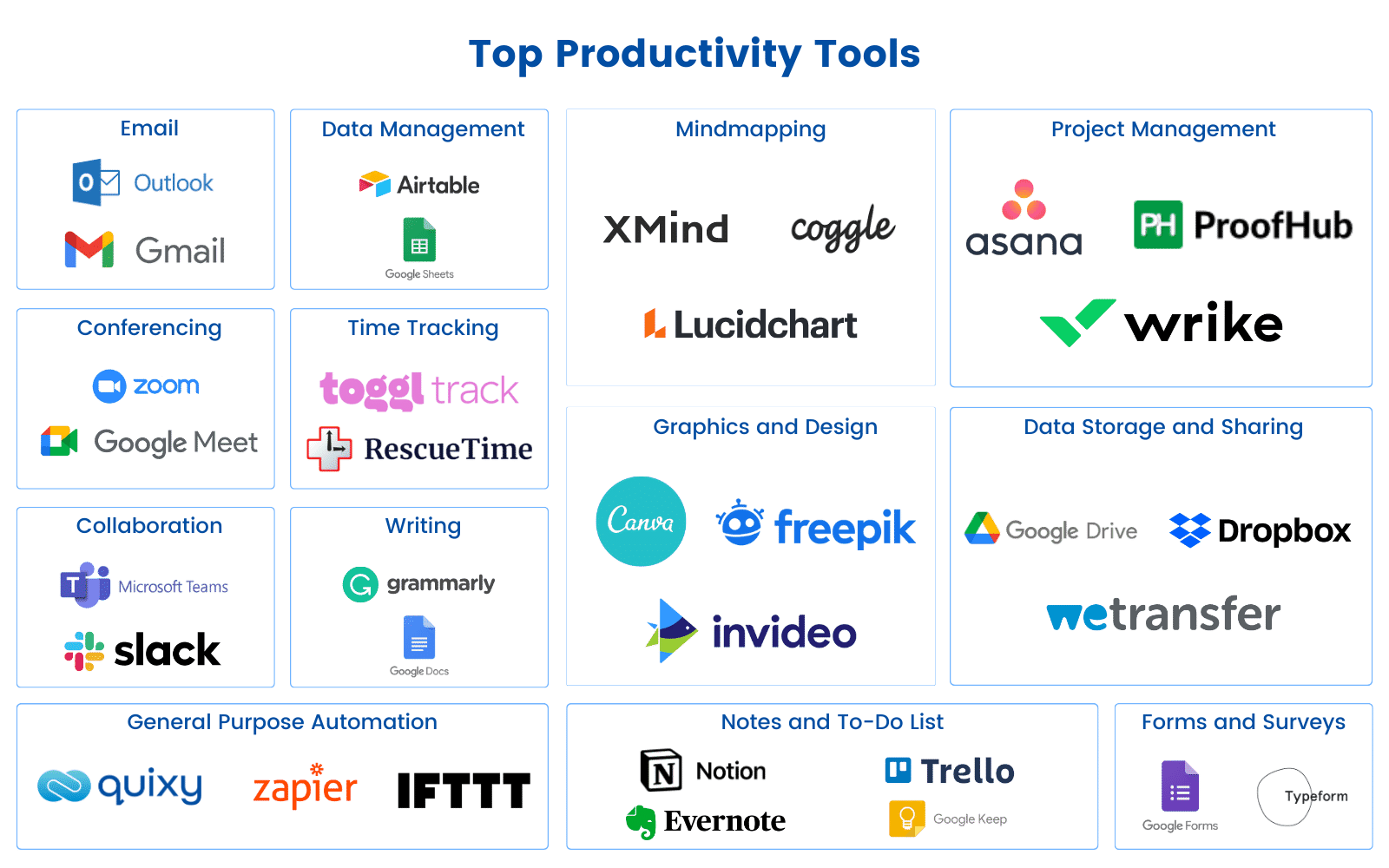
Trello is a popular project management tool that uses boards, lists, and cards to organize tasks. It’s visually intuitive and perfect for both individual users and teams. You can easily prioritize tasks, add deadlines, and track progress in a way that makes sense to you.
2. Asana
Asana is a versatile project management tool that helps teams collaborate on tasks and projects. It’s known for its ease of use, customizable workflows, and the ability to track tasks in various views, such as list view, board view, or calendar view. Asana’s integration with other tools, like Google Drive and Slack, makes it a top choice for team collaboration.
3. Todoist
Todoist is a minimalist task manager that’s perfect for anyone looking to boost personal productivity. With its simple interface, you can create and prioritize tasks with due dates. The tool also syncs across all your devices, so you never miss a deadline.
Pro Tip: Use Todoist’s advanced filters to set recurring tasks and reminders.
Best Productivity Tools for Time Management
Managing time effectively can make or break your productivity. These tools help you track time, set schedules, and make the most of each day.
4. RescueTime
RescueTime is an automatic time-tracking tool that helps you understand how you spend your time online. It runs in the background, tracks your activities, and provides detailed reports. You can use this data to identify distractions and adjust your habits to stay on track.
5. Pomodone
Pomodone combines the Pomodoro Technique with task management. It allows you to break your work into timed intervals, usually 25 minutes, with short breaks in between. This technique has been proven to increase focus and reduce burnout, making Pomodone a great tool for anyone looking to stay productive throughout the day.
6. Toggl
Toggl is a simple and effective time-tracking tool that helps you monitor the time spent on various tasks. It’s particularly useful for freelancers and remote workers who need to bill clients based on time worked. Toggl’s reporting feature allows you to analyze how you spend your time and identify areas for improvement.
Best Productivity Tools for Collaboration
Team collaboration is a critical aspect of productivity. These tools allow you to communicate with team members, share files, and track projects together.
7. Slack
Slack is a messaging platform that streamlines team communication. With its channels, you can organize conversations based on topics, projects, or teams. Slack also integrates with hundreds of apps, making it a versatile tool for remote teams.
Quick Tip: Use Slack’s integrations to connect with tools like Google Drive, Asana, and Trello to streamline your workflow.
8. Google Workspace
Google Workspace (formerly G Suite) is a comprehensive suite of collaboration tools, including Gmail, Google Docs, Google Sheets, and Google Drive. These tools enable real-time collaboration, allowing multiple people to work on the same document simultaneously. It’s a must-have for teams that rely on cloud-based collaboration.
9. Notion
Notion is an all-in-one workspace for note-taking, task management, and collaboration. It allows users to create customizable dashboards, databases, and notes. Notion’s flexible structure makes it suitable for personal use, team collaboration, and even knowledge management.
Best Productivity Tools for Automation
Automation is the key to eliminating repetitive tasks and focusing on high-value activities. These tools can help you automate your workflows and save hours each week.
10. Zapier
Zapier is an automation tool that connects different apps and services. With Zapier, you can set up “Zaps” to automate tasks such as sending emails, posting to social media, or syncing data between apps. It’s incredibly user-friendly, and you don’t need to be a developer to set up automation.
11. IFTTT (If This Then That)
IFTTT is another powerful automation tool that allows you to create conditional workflows. For example, you can set up a rule that automatically saves all email attachments to your Google Drive. With IFTTT, you can connect apps and automate tasks in just a few clicks.
Best Productivity Tools for Focus
In today’s world of constant distractions, staying focused is a challenge. These tools help you eliminate distractions and stay on task.
12. Focus@Will
Focus@Will is a music service designed to improve concentration. The platform offers a variety of background music genres that are scientifically proven to increase focus and productivity. By tuning into focus-enhancing music, you can boost your cognitive performance and get more done.
13. Freedom
Freedom is a website blocker that helps you avoid distractions by blocking websites and apps for a set period of time. Whether you’re working on a big project or need to focus on studying, Freedom lets you create custom block lists and stay on track.
FAQs About Productivity Tools
1. What are productivity tools?
Productivity tools are software or applications designed to help individuals and teams manage tasks, time, and resources more effectively. They help streamline workflows, increase efficiency, and improve collaboration.
2. Why do I need productivity tools?
Productivity tools help you stay organized, manage your time better, and automate repetitive tasks. They reduce stress and allow you to focus on high-priority tasks, ultimately leading to better results in less time.
3. Can I use these tools for personal productivity?
Yes, many of these productivity tools can be used for both personal and professional productivity. Tools like Todoist, Toggl, and Focus@Will are great for managing personal tasks and staying on track with personal goals.
4. How do I choose the right productivity tools?
The best productivity tool for you depends on your needs. For task management, you might choose Trello or Asana. For time management, tools like Toggl and Pomodone are excellent. For collaboration, Google Workspace and Slack are top choices. Take some time to assess your needs and try out a few tools to see what works best for you.
Conclusion
Incorporating the right productivity tools into your daily routine can revolutionize the way you work. Whether you need help managing tasks, automating workflows, or staying focused, there’s a tool out there to help you. By integrating these tools into your life, you can maximize your efficiency, reduce stress, and achieve your goals faster.
Take the time to explore the tools we’ve covered, and start optimizing your productivity today!